How do I turn a photo into brick wall art?
Upload a photo you love (a pet, a person or a place) and Your World in Bricks designs it as framed brick wall art, with step-by-step instructions and a parts list for real LEGO® bricks, for $19 at any size, ready within 24 hours.
Bricks are sold separately: a small framed picture typically uses about $160–$220 of bricks at LEGO® Pick a Brick prices, before tax and shipping.
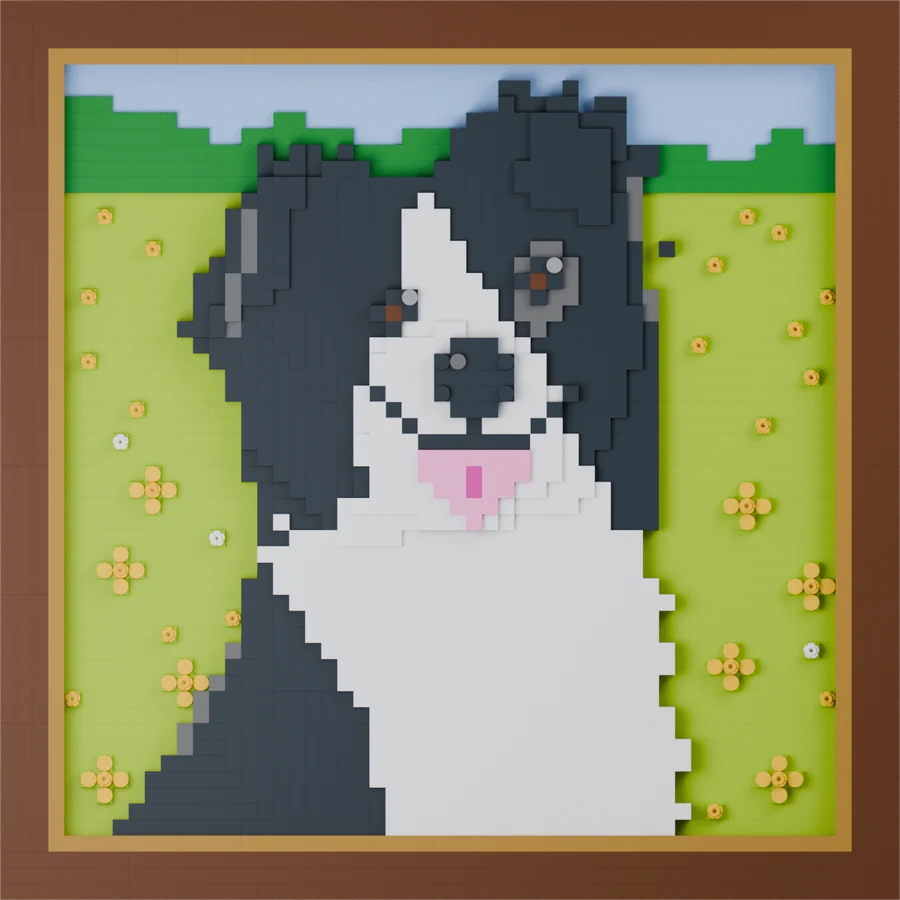
How it works
- Choose a photo. A pet, a person or a place, from your phone or computer. Use a photo you took or have permission to use.
- Pick the look, shape, size and frame. 3 looks, 4 shapes (square, portrait, landscape, panorama), 3 sizes and 4 frame styles in 8 colors, or no frame. You see the finished size and an estimated piece count before you order.
- We design it. Most designs are ready in about an hour. We deliver within 24 hours after payment (and your photos).
- Buy the bricks and build. Upload the parts list to LEGO® Pick a Brick or BrickLink, follow the instructions, and hang it up.
Designed, not pixelated
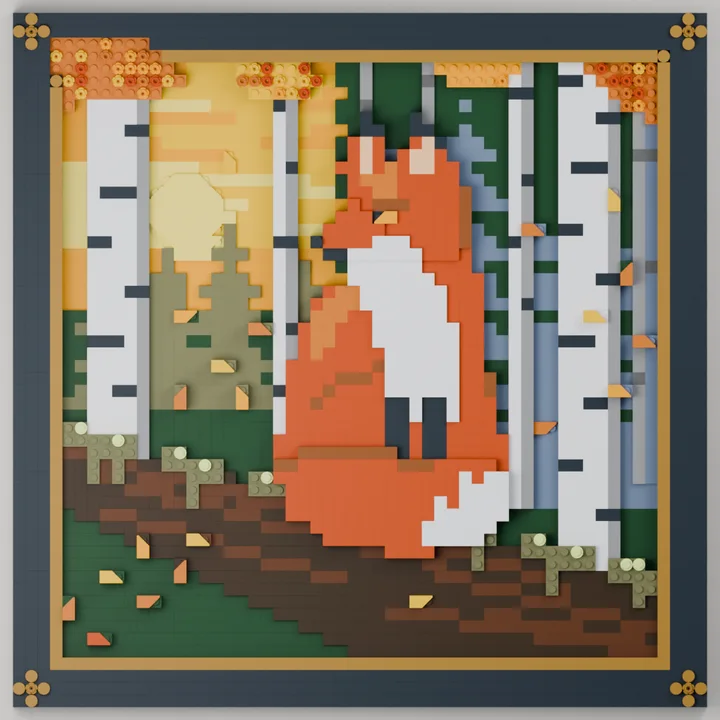
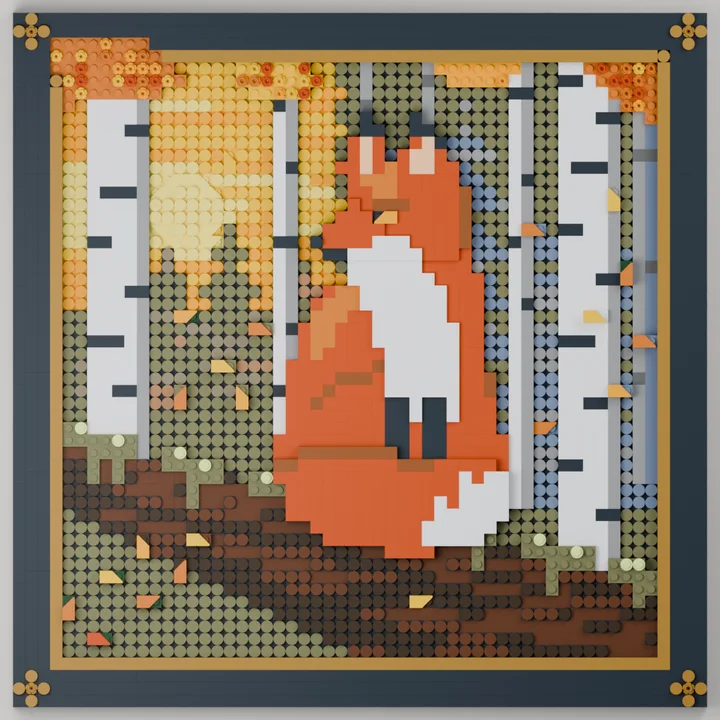
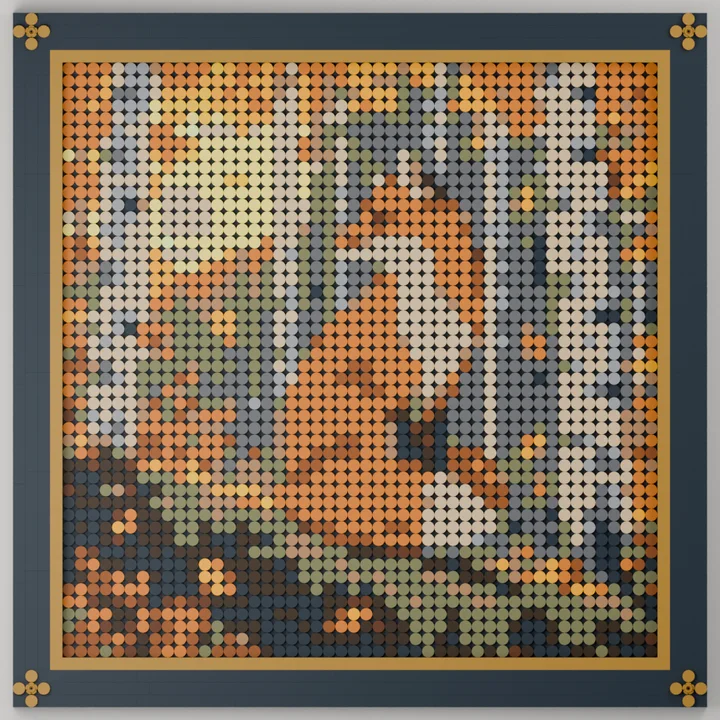
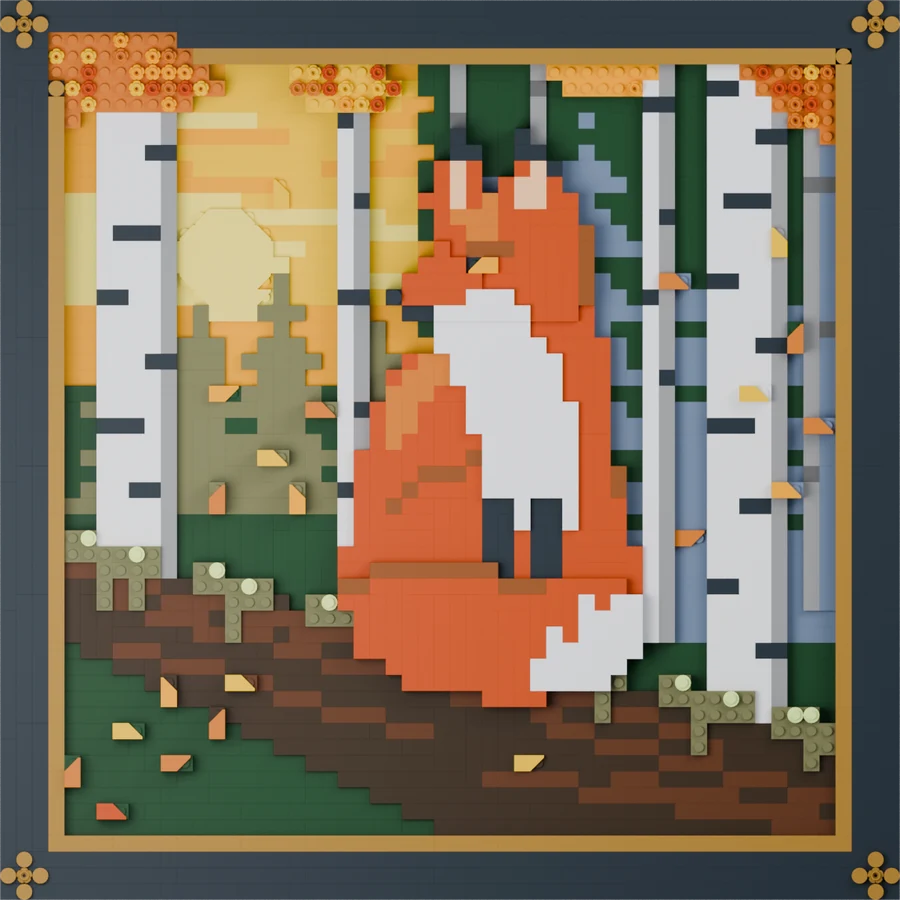
A simple photo converter turns each pixel into a dot. Our designer redraws your photo in bricks, with bold shapes and real relief. If you prefer the classic look, the mosaic style is there too. The same fox photo in each look:
Sizes and price
| Size (square) | Framed size | Our design fee | Bricks (estimate) |
|---|---|---|---|
| SmallDesk or shelf · 32 × 32 studs | 32 × 32 cmabout 1,150 pieces | $19 | $160–$220 |
| MediumThe LEGO® Art size · 48 × 48 studs | 45 × 45 cmabout 2,250 pieces | $19 | $290–$420 |
| LargeA statement piece · 64 × 64 studs | 58 × 58 cmabout 3,750 pieces | $19 | $470–$670 |
Bold shapes look with a classic frame. Brick estimates are USD planning figures at LEGO® Pick a Brick prices, not live quotes, and exclude tax and shipping; the mosaic look usually costs less in bricks.
What you get
- Step-by-step building instructions for your picture and its frame.
- A complete parts list and ready-to-upload files for LEGO® Pick a Brick and BrickLink.
- Not included: the bricks. You buy them separately, or use pieces you already own.
Ideas


Questions
Can I turn a photo of my dog or cat into brick art?
Yes. Upload the photo, choose a look, size and frame, and we design the picture with instructions and a parts list for real LEGO® bricks. $19; bricks sold separately.
How much does brick wall art cost?
The design is $19 at any size. Bricks for the bold-shapes look with a classic frame are about $160–$220 for a small picture up to about $470–$670 for a large one, at LEGO® Pick a Brick prices before tax and shipping.
What photos work?
A clear photo of a pet, a person or a place. Use photos you took or have permission to use; don’t upload images of people who haven’t agreed, or artwork you don’t have the rights to.
Is it a pixel mosaic?
Only if you want one. The bold shapes look redraws your photo as simplified shapes in layered relief, and the painterly look sets a crisp subject on a brushwork background. The classic mosaic look renders the whole photo in round tiles.
Are the bricks and frame included?
No. The frame is built from bricks too, and it is in the parts list with the picture. You buy all the pieces separately from LEGO® Pick a Brick, BrickLink or another seller.